Phone No:
Egypt
+201211668555
Egypt-6th of October city-central axis-Hurria towerstower A-Office no.121
Email Address: info@ultrapowersolutions.net
Numéro de téléphone :
Égypte
+201211668555
Égypte – Cité de 6 Octobre- Accès central- Tours d’Al
Hurria- La Tour À – Bureau No 121.
Adresse email: info@ultrapowersolutions.net

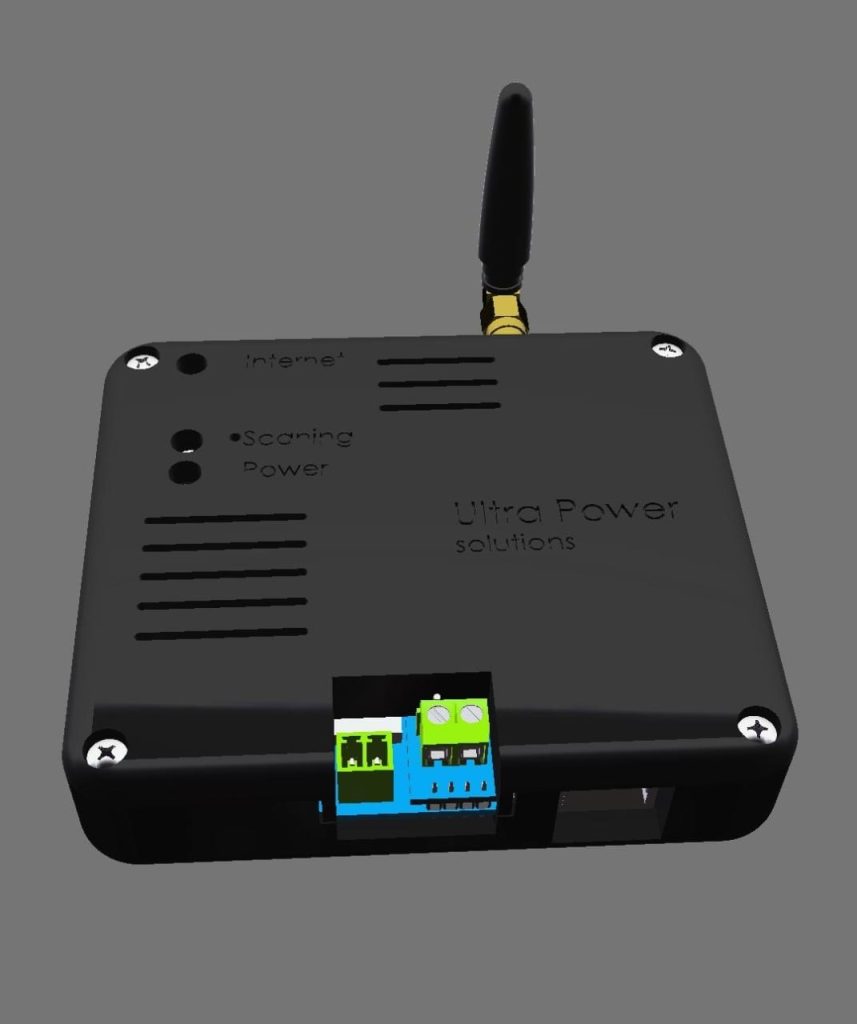
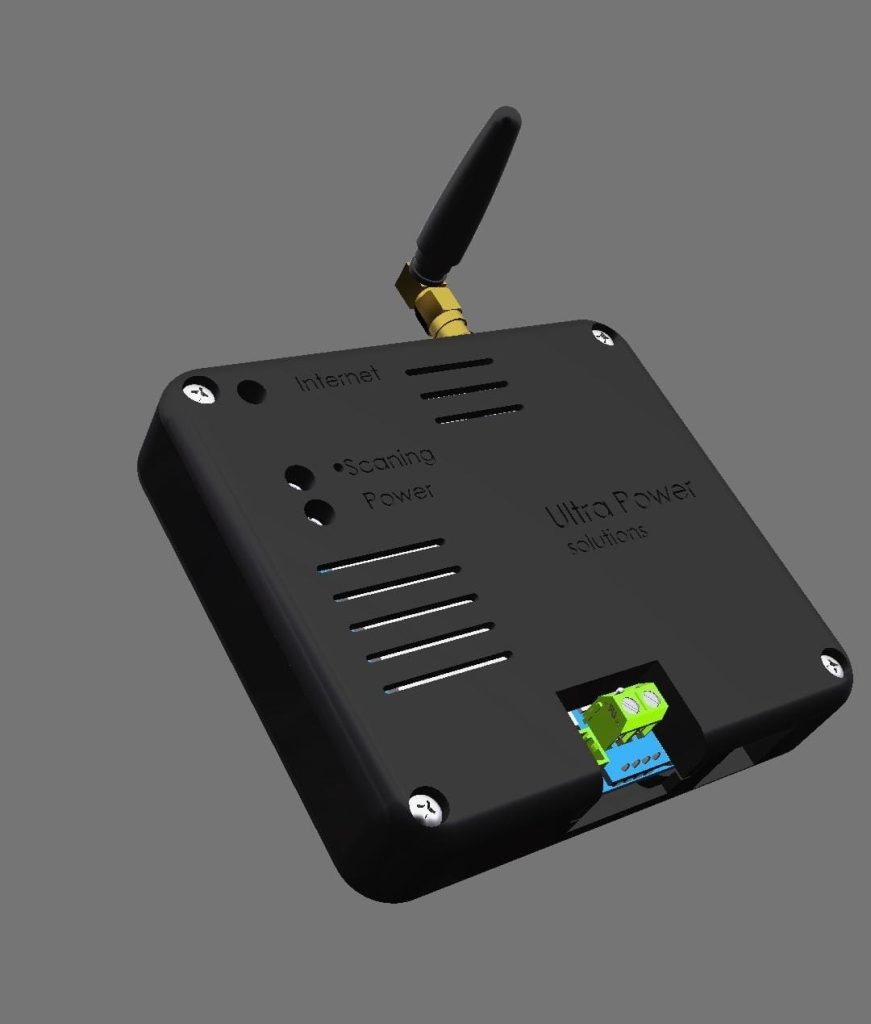
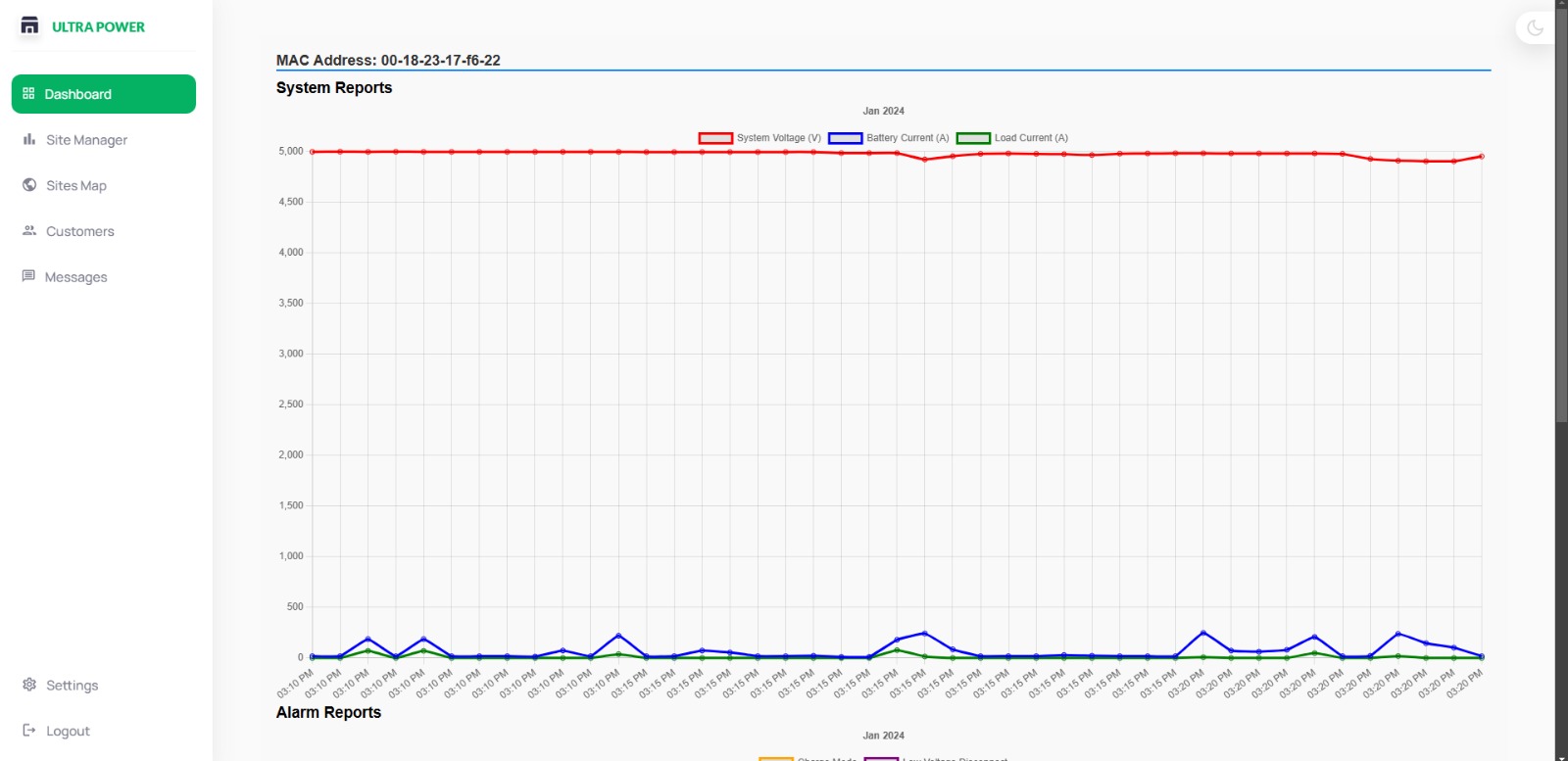
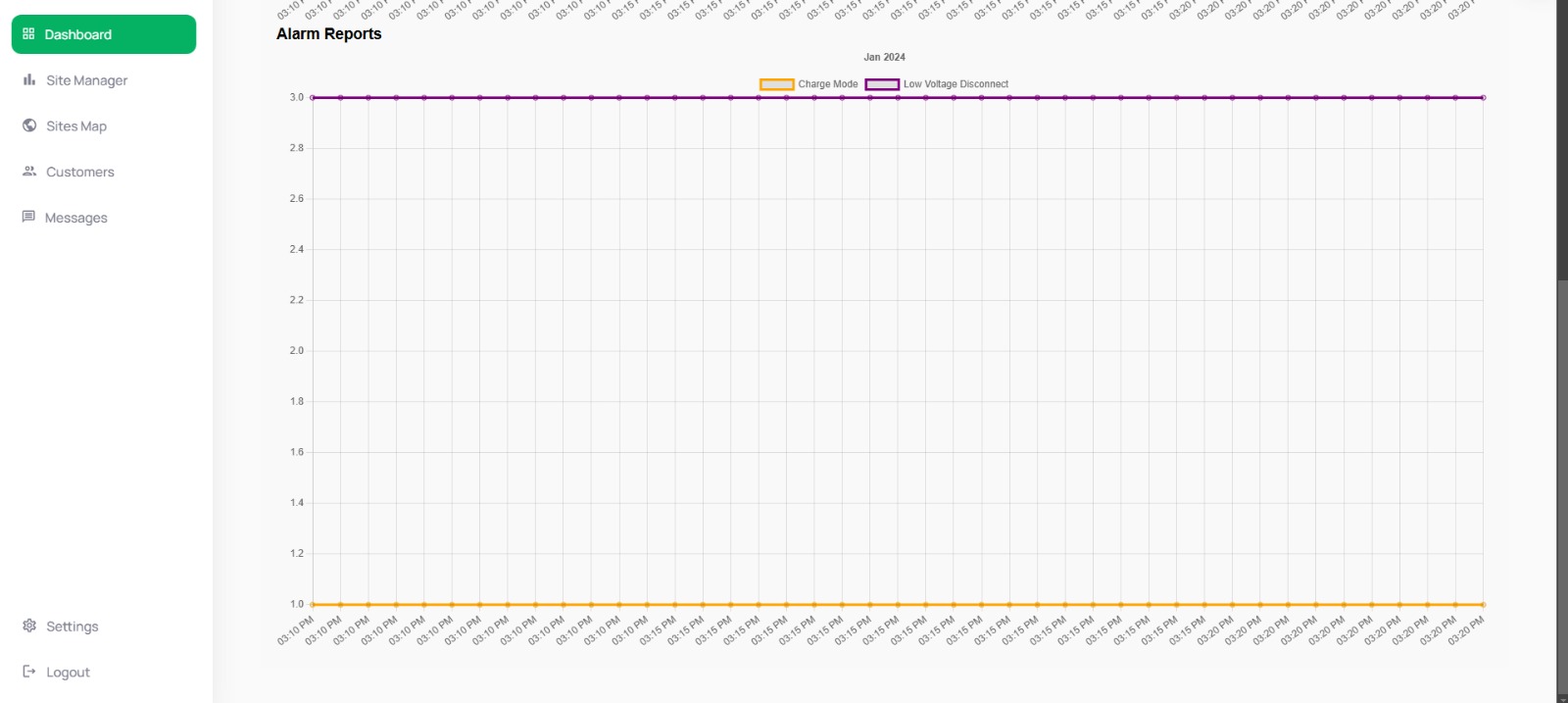
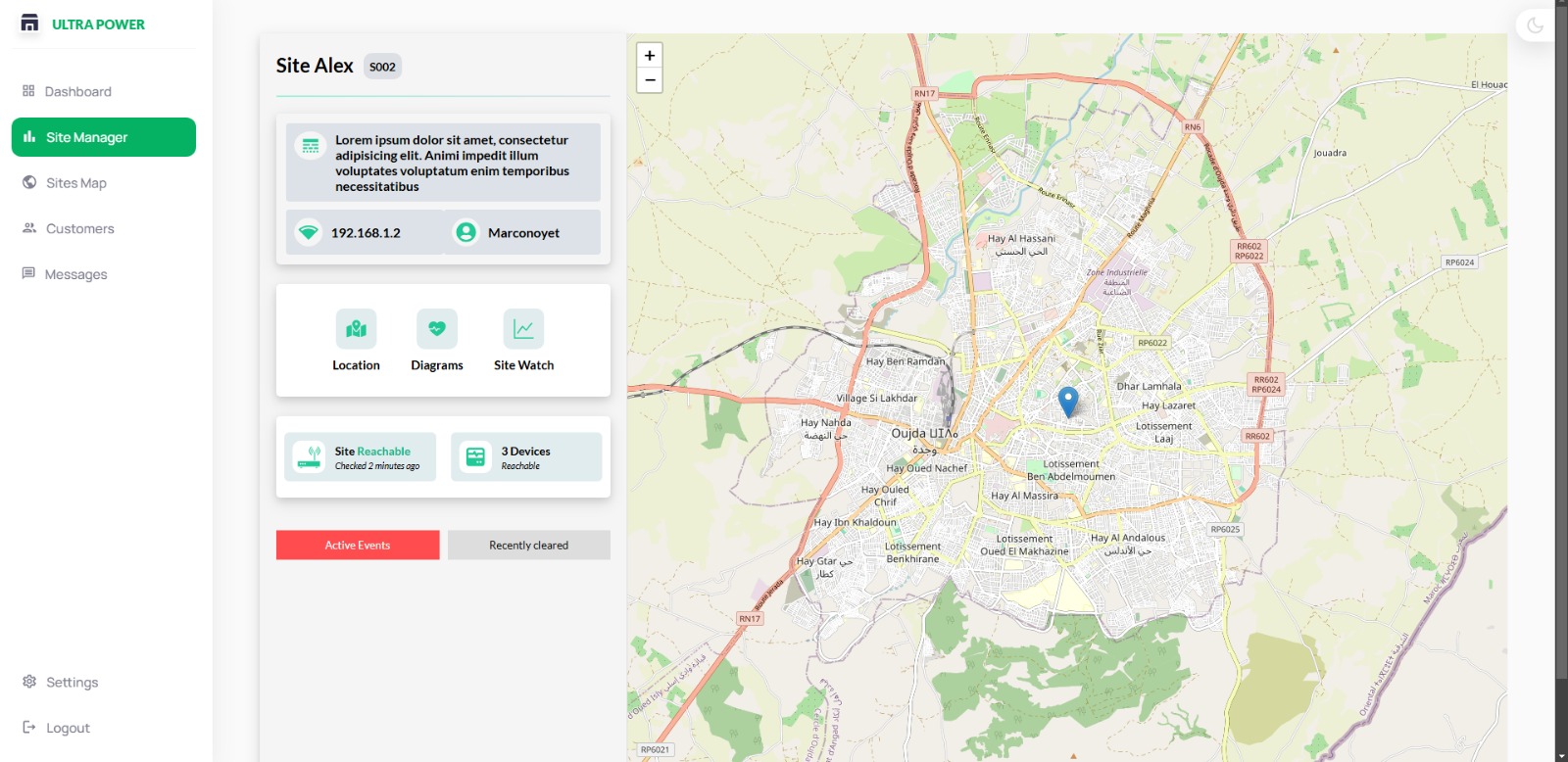
The Site Monitor device is a versatile data monitoring and transmission tool designed to provide real-time insights from connected devices. It collects data from other devices through Ethernet, Wi-Fi, or RS485, and uploads it to a Firebase cloud database. This enables users to monitor data online, moment by moment, from anywhere in the world.
Interfaces with other devices using Ethernet, Wi-Fi, or RS485 to gather data.
Uploads the collected data to Firebase for centralized storage and monitoring.
Provides live updates, enabling users to track data changes instantaneously.
• Compact Size: Small dimensions (90 mm × 85 mm) make it easy to install and integrate into various setups. • Open-Air Cooling Gaps: Features a ventilated design with cooling gaps, enhancing heat dissipation and ensuring optimal performance during prolonged use.
Offers access to the data and device settings from anywhere, ensuring seamless remote management and monitoring.
Supports multiple methods of internet access (LAN, Wi-Fi, GPRS) to adapt to different environments.
• Includes a local settings page accessible via Wi-Fi or LAN, allowing users to customize configurations as needed. • Provides access to the device settings page remotely through a public static IP of the SIM card, offering greater control and flexibility in remote locations
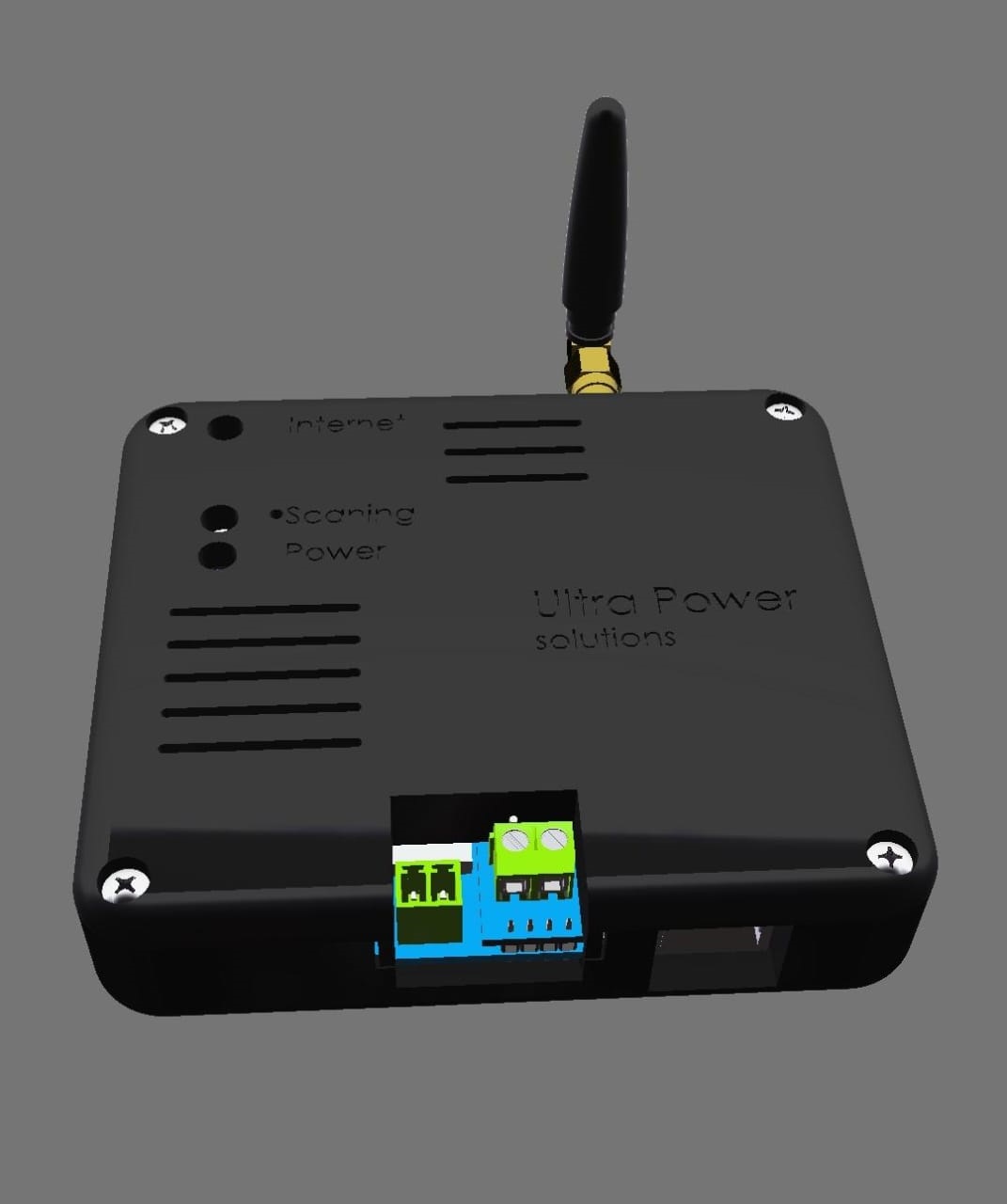
This device is an essential tool for remote monitoring and management in various applications, offering reliability, flexibility, user-friendly features, and robust thermal design for long-lasting operation.anywhere in the world
Operates efficiently with a voltage range of 9 to 90 volts
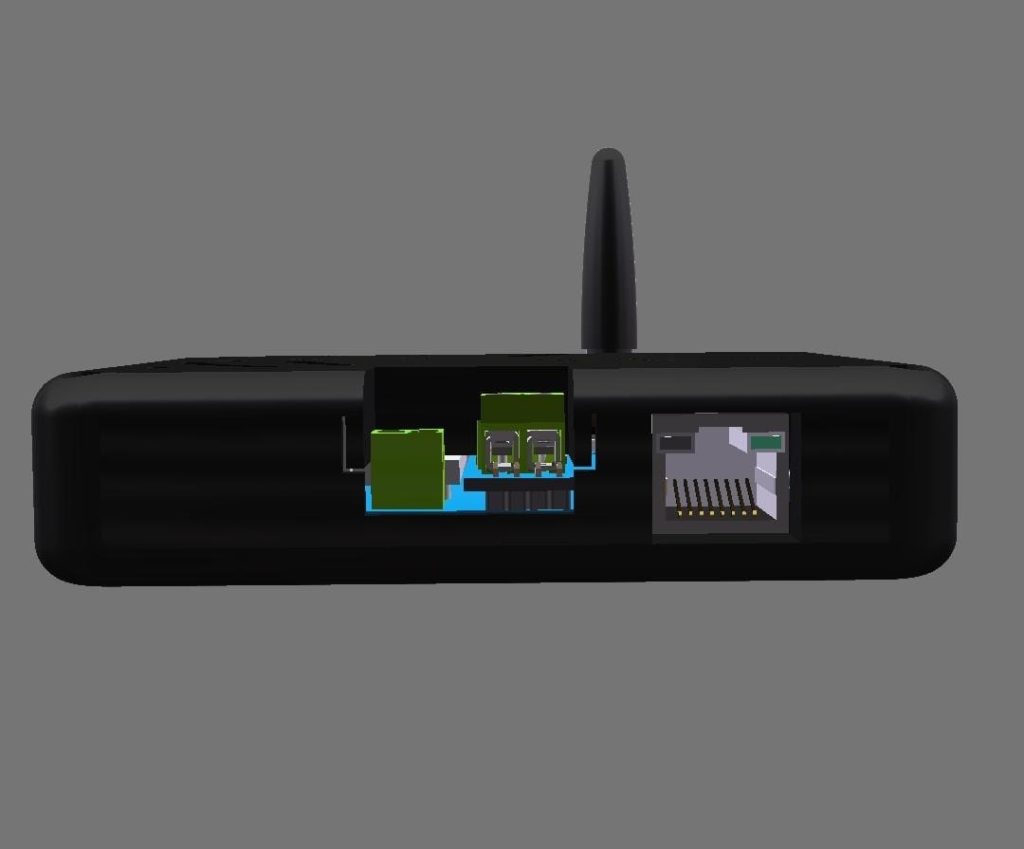
•Offers three connection interfaces: Ethernet, RS485, and Wi-Fi
• Connects to the internet using three methods • LAN via Ethernet port • Wi-Fi • GPRS via a SIM card
• Access Point (AP) Mode: Allows users to access the device›s settings page directly. • Station Mode: Connects to the internet while still enabling access to the settings page within the local network.
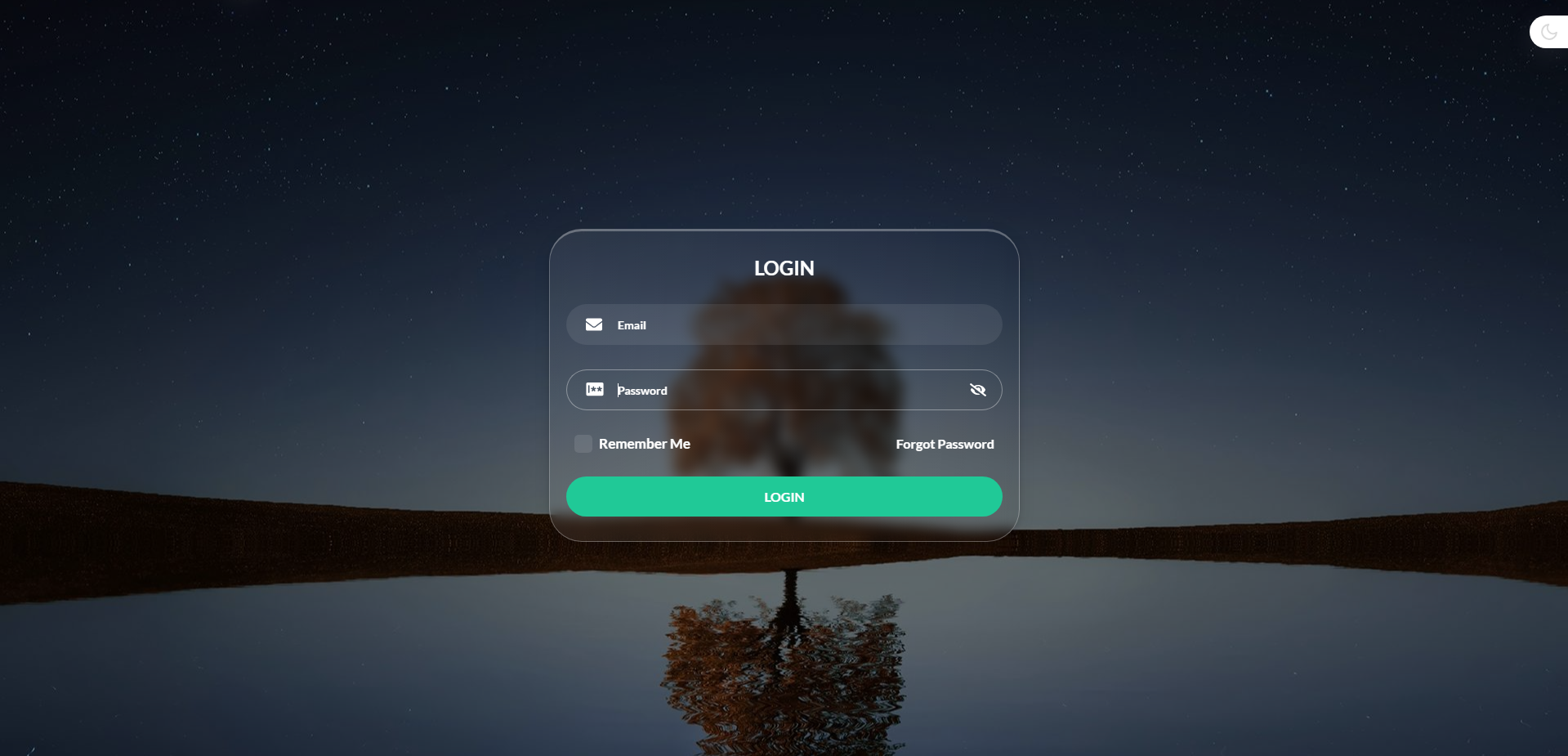
• Configure Wi-Fi settings. • Manage login credentials. • Set APN configurations to support any SIM card from any provider. • Adjust Ethernet (LAN) settings. • Modify Firebase settings. • Perform firmware updates. • Enable or disable the reset button. • Download logs for troubleshooting.
Firmware can be updated wirelessly through Wi-Fi.
• Three LEDs display the following statuses: • Power status • Device scanning and connection status • Internet connection status
• Short Press: Rescans connected devices. • Long Press: Resets all settings to factory defaults.
• Small form factor measuring only 90 mm × 85 mm.